
 ES
 FR
 BR
 DE
 PL
 HU
 CZ
 SK
 SI
 HR
 AL
 NO

Rabona Betting: app and mobile access
Disclosure: rabonareview.com is an independent editorial guide and is not the official Rabona site. Some links are affiliate links and may generate a commission. Features, pages and availability may change. The editorial team made no deposits, bets or withdrawals for this guide.
Native app or mobile shortcut?
The official localised pages consulted indicate browser access on Android and iOS, with no need for a native app.
The help centre’s “Create a quick access” page distinguishes Android and iOS. The shortcut adds an icon to the home screen and opens the web version in the browser: it is not a download from a store.
How it works from the mobile browser
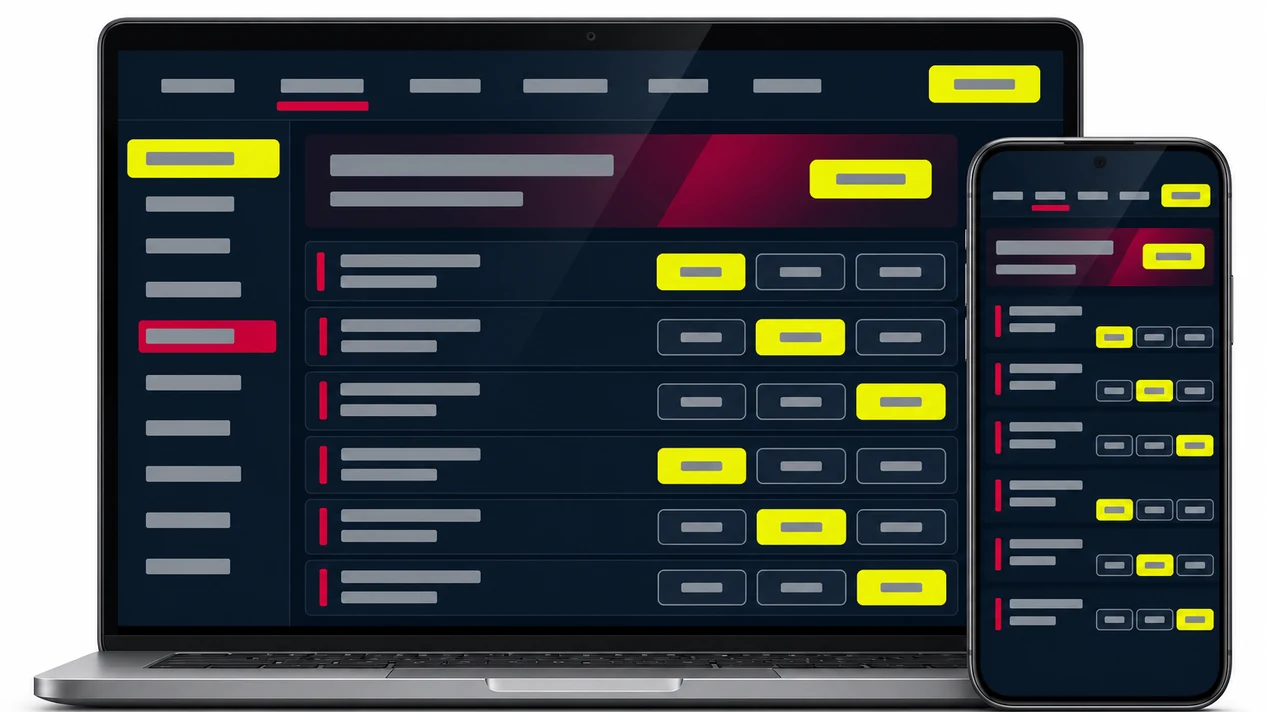
Rabona can be accessed from smartphones and tablets through the browser. The navigation observed includes sport, casino, promotions, tournaments, account management and help centre. The actual availability of events, games and payment methods depends on the moment, the country and the account status.
For registration, personal data and document checks, see the homepage section on account and verification. Before entering credentials or payment details, always check the domain shown in the browser.
Quick shortcut on Android
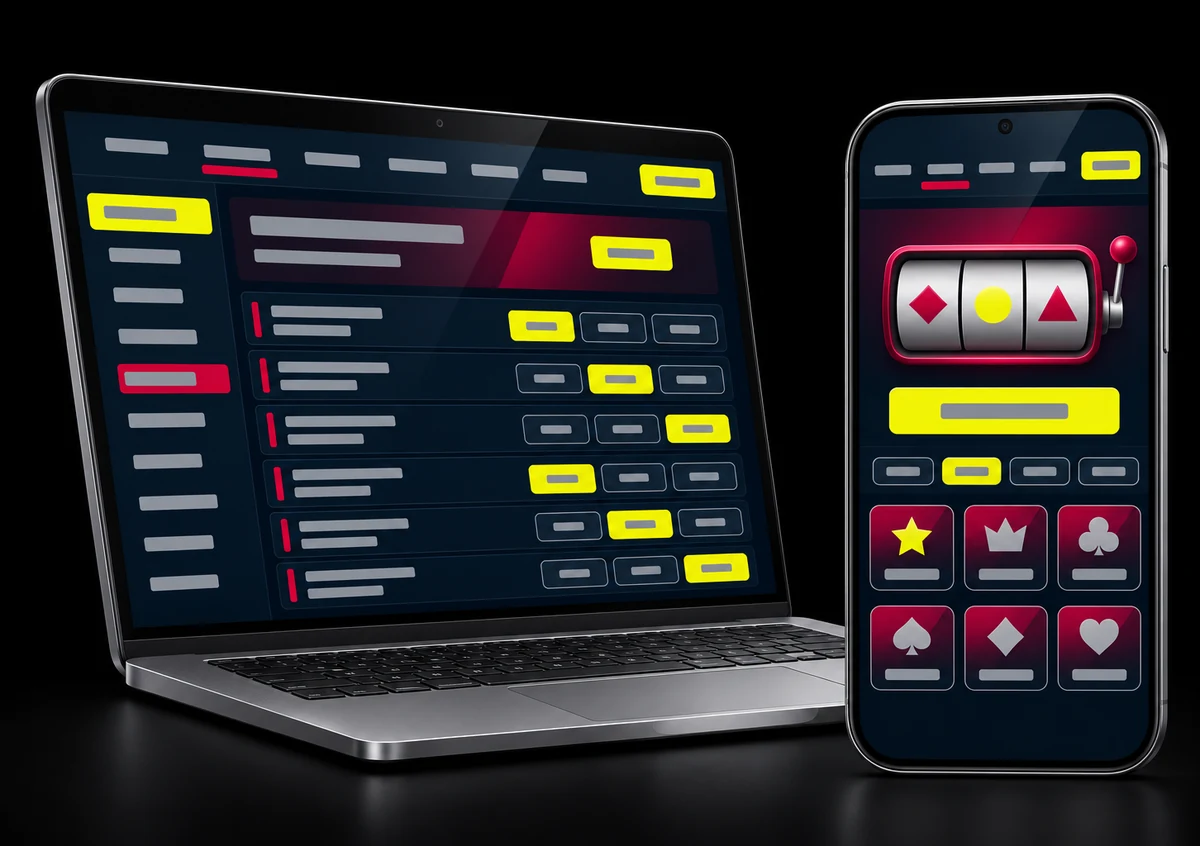
- open the Rabona site in the device’s browser;
- open the browser menu;
- select the option to add the page to the home screen;
- check the name and address of the shortcut, then confirm.
The names of the options may vary with the browser and the Android version. The procedure creates a shortcut to the web version and does not demonstrate the installation of native software.
Quick shortcut on iPhone and iPad
- open the site in Safari;
- tap the share button;
- choose “Add to Home Screen”;
- check the name and address, then confirm.
On iPhone and iPad too, it is a quick shortcut to the mobile site. The official sources consulted did not require a native app.
Features available on mobile
- browsing the pre-match and live schedule;
- access to the casino catalogue and live games;
- managing your profile and verification requests;
- access to the cashier and support channels;
- browsing the promotions and tournaments available.
The offers can be viewed on mobile, but amounts and requirements are not duplicated here: the editorial summary is on the Rabona promotions page.
Security and downloads
Avoid installation files received through messages, adverts or unverified sites. Do not install applications just because they use the Rabona name and logo. Check the domain before logging in, use a screen lock and do not save passwords on shared devices.
For payments and sending documents, avoid public Wi-Fi networks and use only the channels indicated on the current official pages. A Home Screen shortcut does not automatically make a domain other than the verified one safe.
Advantages and limits
| Advantages observed | Limits to consider |
|---|---|
| access from smartphones and tablets without desktop software | operation tied to browser, connection and site status |
| official procedure to create an Android and iOS shortcut | the shortcut does not prove the existence of a native app |
| sport, casino, account and support in the same environment | features, games and payments may vary by user |
Frequently asked questions about mobile access
How do I create the shortcut on Android?
Open the site in the browser, use the menu and choose the function to add the page to the home screen. The name of the option depends on the browser.
How do I create the shortcut on iPhone or iPad?
Open the site in Safari, use the share button and select “Add to Home Screen”.
Which features are available on mobile?
The navigation observed includes sport, live, casino, promotions, tournaments, account and support. Individual features may change.
How do I check that the shortcut is safe?
Check the domain in the browser before entering credentials or payment details and do not install files from unverified sources.
Sources and verification date
- Create a quick access — presence of the Android and iOS sections;
- Official Rabona site as provided — navigation and features available;
- Official promotions — variable availability of the offers.
Pages and features may be updated without notice. Editorial contact: info@rabonareview.com.